

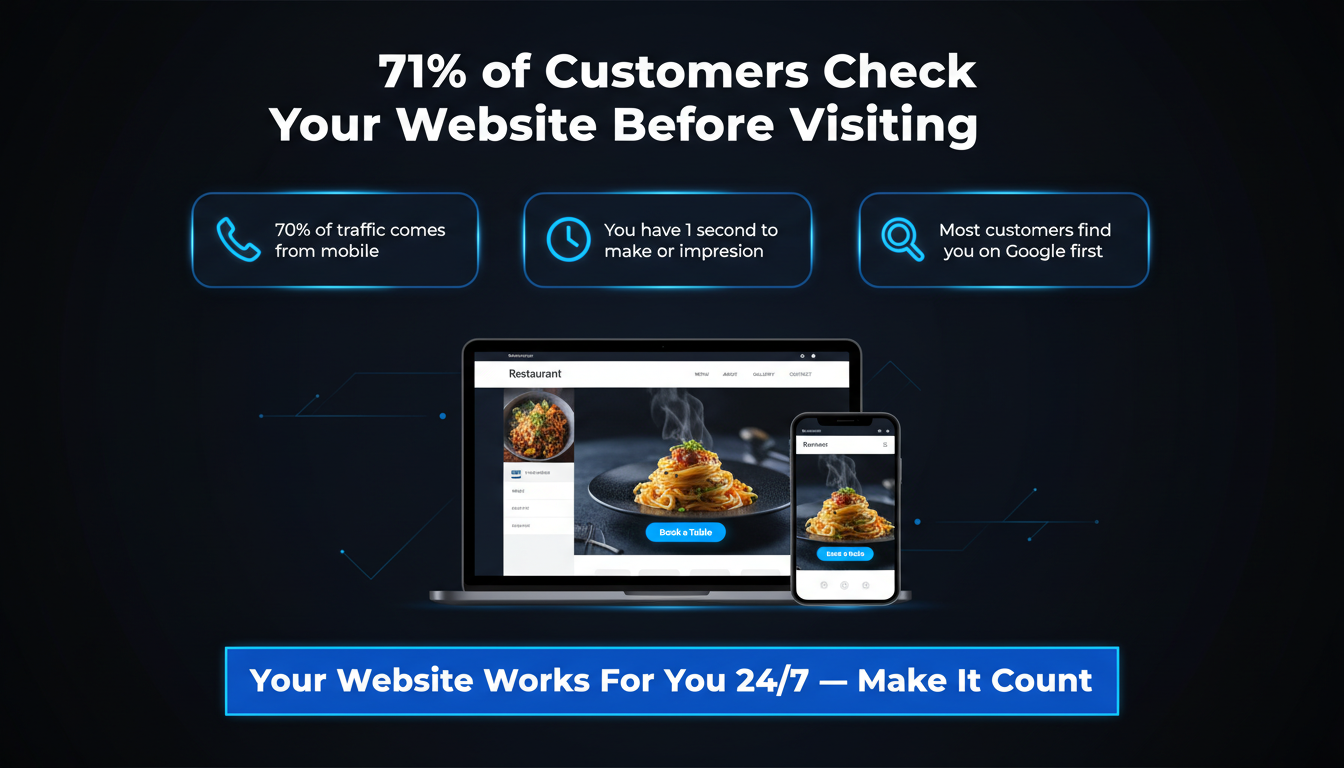
Did you know that 71% of customers check a restaurant’s website before they decide to eat there? That means your website is often the very first thing a customer sees, even before they walk through your door.
If your website looks old, loads slowly, or is hard to use on a phone, people will leave. They will go to your competitor instead. It is that simple.
This is why custom web design for restaurants matters so much. A custom website is built just for your restaurant. It shows off your food, your vibe, and makes it easy for people to book a table or order online.
In this guide, you will learn everything you need to know about what to include, why it matters, and how to make your restaurant website stand out.
A custom website is one that is built from scratch, just for you. It is not a ready-made template that hundreds of other restaurants are also using.
Think of it this way. A template website is like buying a costume off the shelf; it sort of fits, but not perfectly. A custom website is like having a tailor sew clothes just for you. It fits perfectly, looks better, and feels right.
Custom web design for restaurants means your website will:
Many restaurant owners start with a cheap template. It seems like a good idea at first. It is fast and low-cost. But over time, templates create big problems.
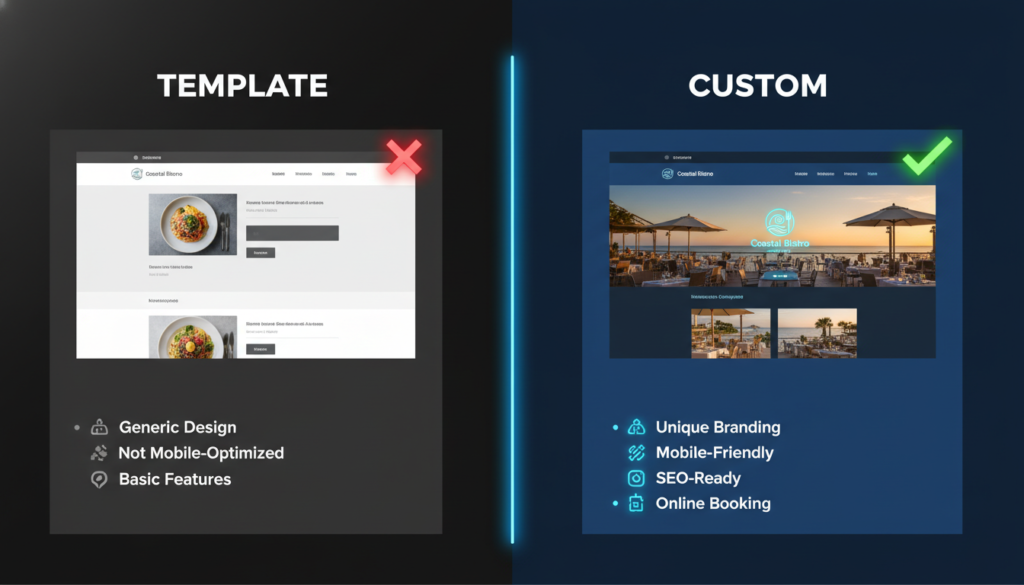
Here is a quick comparison:
| Feature | Custom Website | Template Website |
| Unique look and branding | ✅ Yes | ❌ Looks like everyone else |
| Works well on mobile | ✅ Built for it | ⚠️ Sometimes |
| Easy menu updates | ✅ Yes | ⚠️ Limited |
| Good for Google SEO | ✅ Strong | ⚠️ Weak |
| Online booking that fits you | ✅ Fully custom | ❌ Generic only |
| Grows with your business | ✅ Yes | ❌ Hard to scale |
| Long-term value | ✅ High ROI | ❌ Costly over time |
Templates also look the same as thousands of other restaurant sites. When customers see your website, they should feel like they already know your restaurant. That feeling only comes from a website built just for you.
Your homepage is like your restaurant’s front door. People decide within a few seconds if they want to stay or leave.
A good homepage for a restaurant should have:
Remember, people decide if they like your website in under one second. Make that first look count.
Your menu is one of the most important pages on your website. Most people visit a restaurant website for one reason: to look at the menu.
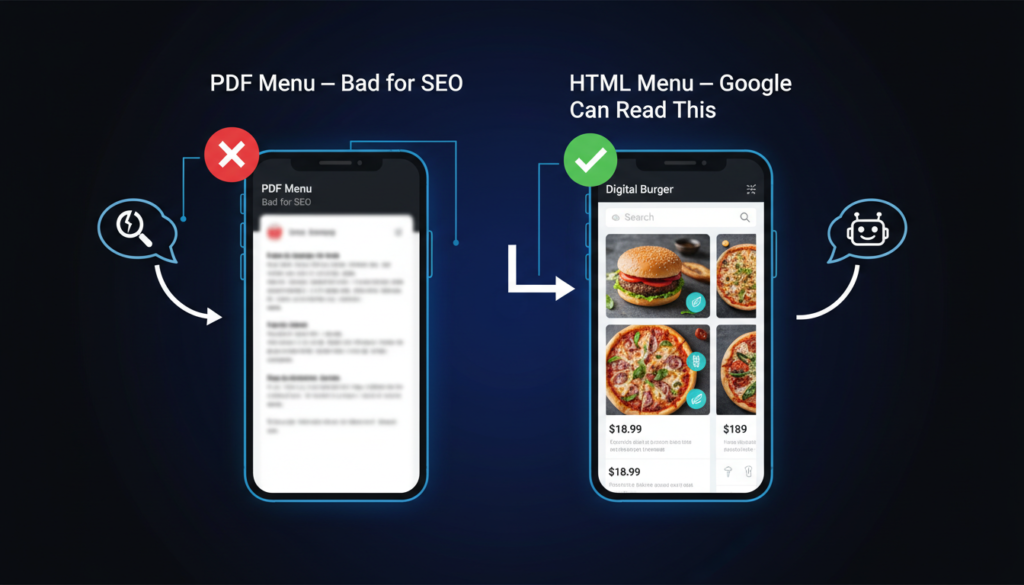
But many restaurants make a big mistake here. They upload a PDF menu. This is a problem for two reasons:
Build your menu directly into your website using text and images. This is called an HTML menu, and it is much better. Here is why:
Did you know that 83% of diners prefer to book a table online rather than call? If your restaurant does not have online booking, you are losing customers every single day.

A good booking system on your website should let customers:
Do not hide your booking button. Put it in these places:
You have two options. You can use a booking plugin like OpenTable or Resy, or you can have a custom-built booking system built into your website.
Third-party plugins are fine for most restaurants. Custom-built systems are better if you want full control, no branding from another company, no extra fees, and the exact features you need.
If you offer takeout or delivery, you need an online ordering page. Many restaurants use apps like UberEats or DoorDash. But those apps take 20% to 35% commission on every order.
When you have online ordering built into your own website, you keep all the money.
A good online ordering page should include:
A well-designed ordering page also helps you upsell. You can show popular add-ons, combo deals, or drinks next to each dish. This increases your average order size without any extra effort.
Here is a fact that might surprise you: more than 70% of restaurant website visitors are on a phone. People search for restaurants while they are out, on the go, or deciding where to go for dinner.

This means your website must work perfectly on a small screen. Not just “okay” perfectly.
A mobile-first website is not just a desktop site that shrinks down. It is designed from the ground up for phone users. Here is what that looks like in practice:
Google also ranks mobile-friendly websites higher. So a mobile-first design is not just good for customers, it is also good for your Google ranking.
A great restaurant website is more than just a homepage and a menu. Here are some extra pages that can bring in more customers and more revenue.
This is one of the most overlooked pages and one of the most profitable. Many people are looking for a space to host a birthday party, work dinner, or small wedding. If you have a private dining room or event space, you need a dedicated page for it.
This page should include:
This page can also rank on Google for searches like “private dining in [your city],” a search with very high intent and very little competition.
People eat with their eyes first. A gallery page full of beautiful food photos and restaurant atmosphere shots can convince someone who was still on the fence.
Keep the gallery clean and fast-loading. Use real photos, not stock images.
People love to connect with the story behind a restaurant. A good About page tells:
This is not just nice to have; it builds trust and makes your restaurant feel special and real.
Gift cards are a great source of extra income, especially around holidays. A simple gift card page on your website lets people buy digital or physical gift cards directly. Many customers who receive a gift card will spend more than the card’s value.
If you have a loyalty program (or want to start one), your website is the best place to sign people up. A simple form with name and email is enough to get started. You can then send special offers, birthday deals, and updates to bring customers back more often.
A blog helps your restaurant in a big way with local SEO. You do not need to post every week. Even once or twice a month can make a difference.
Good blog post ideas for restaurants:
You can have the most beautiful restaurant website in the world, but if no one can find it on Google, it does not matter. This is where local SEO comes in.
Local SEO means making sure your website shows up when people in your area search for restaurants.
Here is what helps most:
Make sure your website clearly says what type of food you serve and where you are. For example, phrases like “best sushi restaurant in Brooklyn” or “family pizza place in Austin” help Google understand who should see your website.
Your keyword, custom web design for restaurants, also shows up here. Working with a web designer who understands restaurant SEO makes a big difference.
Schema markup is a special code you add to your website. It tells Google exactly what your website is about, including your hours, address, phone number, and even your menu items. This helps Google show your restaurant in rich search results (the ones with star ratings and hours shown directly in Google).
Most template websites do not include schema markup. A custom website can have it built in from the start.
Your restaurant’s name, address, and phone number (called NAP) should be exactly the same on your website, Google Business Profile, Yelp, TripAdvisor, and everywhere else online. Even small differences (like “St.” vs “Street”) can confuse Google and hurt your ranking.
Google tracks how fast your website loads. A slow website gets ranked lower. A fast website gets ranked higher. Custom websites can be built to be very fast, much faster than most template sites loaded with plugins.
This is something almost no competitor talks about, but it is important. Your restaurant website should be usable by everyone, including people with disabilities.
This is called ADA compliance (in the US) or web accessibility. Here is what it means:
Beyond being the right thing to do, accessibility can also protect you from lawsuits. Many restaurants have faced legal action for inaccessible websites. A custom website built with accessibility in mind avoids this problem from the start.
This is the question everyone wants to know. The honest answer is: it depends on what you need.
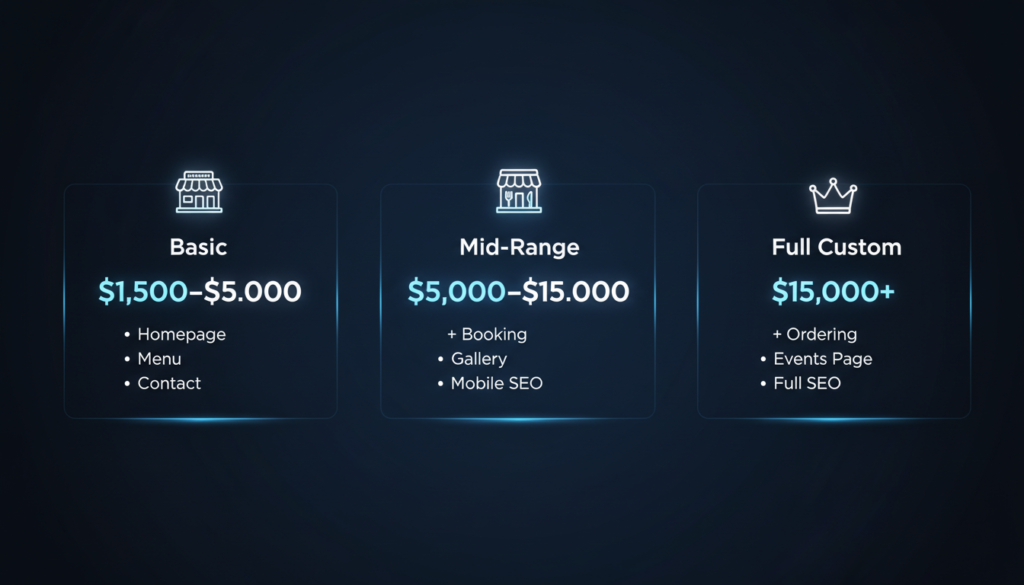
Here is a general breakdown:
| Website Type | What’s Included | Estimated Cost |
| Basic custom site | Homepage, menu, contact, about | $1,500 – $5,000 |
| Mid-range site | + Online booking, gallery, mobile-optimized | $5,000 – $15,000 |
| Full custom site | + Online ordering, SEO setup, events page, blog | $15,000+ |
| Monthly maintenance | Updates, hosting, security | $100 – $500/month |
A template website builder (like Wix or Squarespace) costs $20 – $50 per month. They are cheaper upfront but have many limitations.
For a restaurant making good money and serious about growth, a custom website pays for itself quickly. More bookings, more online orders, and better Google rankings mean more revenue every month.
Not every web designer understands restaurants. When you are looking for someone to build your website, here are the important things to check:
Ask them these questions directly before you hire them. A good web designer will have clear, confident answers.
Here is a simple checklist to see if your current website (or a new one) has everything it needs:
If your restaurant is serious about growing and standing out, yes. A custom website looks better, works better, and ranks better on Google than a template.
Most custom restaurant websites take 4 to 10 weeks to build, depending on how many pages and features you need.
Yes. A good custom website should let you update your menu, prices, and hours without needing a developer.
A fast, mobile-friendly design with a clear menu and an easy way to book a table or order online.
Yes. Custom websites can be built with proper SEO from the start, including schema markup, fast loading, local keywords, and HTML menus that Google can read.
Your restaurant’s website is not just a nice extra; it is one of your most powerful business tools. It works for you 24 hours a day, 7 days a week. It welcomes new customers, takes bookings while you sleep, and tells your story to the world.
Custom web design for restaurants gives you a website that truly fits your brand, works great on any device, and helps you get found on Google. Whether you are a small family café or a fine dining spot, the right website can bring in more customers and more money.
If you are ready to take your restaurant’s online presence to the next level, start by talking to a web designer who specializes in restaurants. Show them this guide; it covers exactly what you need.
Your next customer is searching for a restaurant just like yours right now. Make sure they find you.




