Home / Blog Details
Take your digital marketing to the next level with data-driven strategies and innovative solutions. Let’s create something amazing together!
From Google search results to AI chatbots, we optimize your website so customers can find you faster — and choose you over competitors.
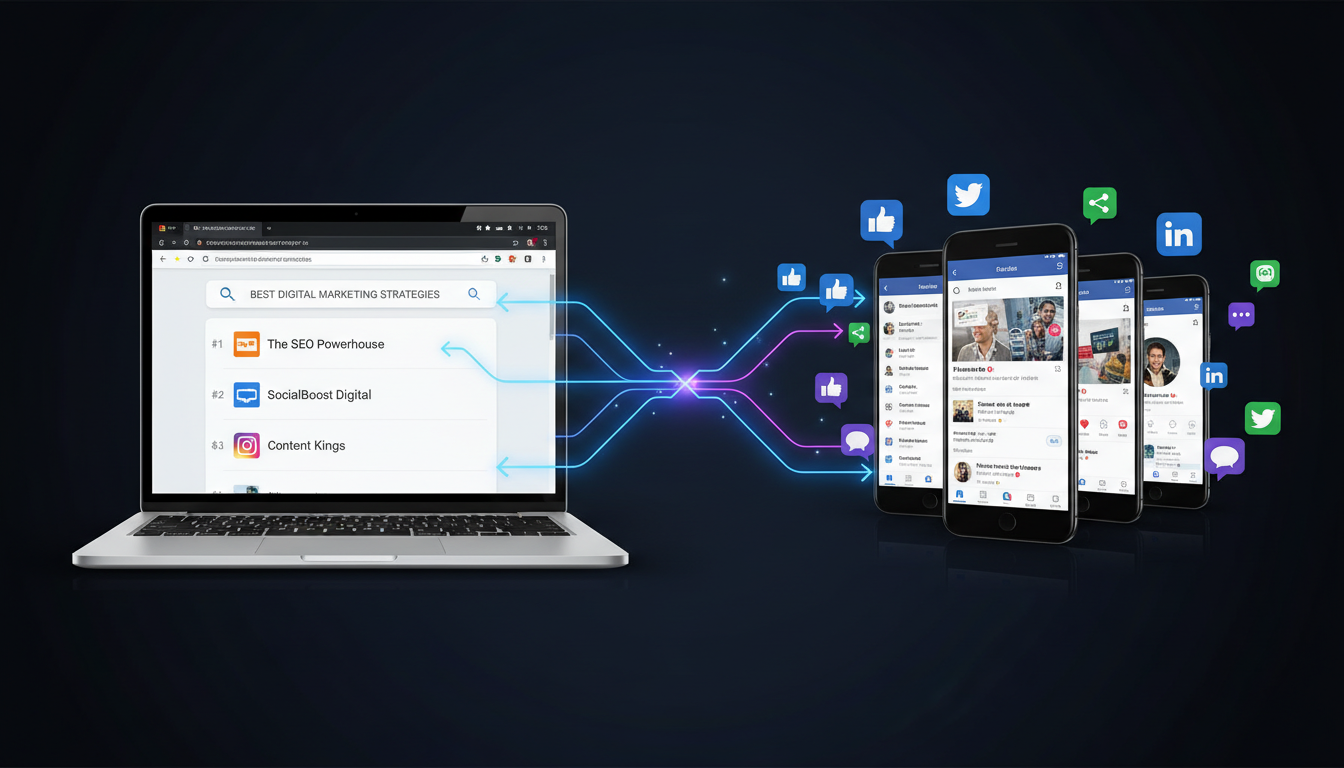
Social media does not directly change your Google ranking. Google has confirmed that likes, shares, and follower counts are not ranking factors. But social media impacts SEO indirectly by driving traffic, earning backlinks, growing branded searches, and building the trust signals Google rewards.
Key Takeaways
You post a great article, share it on Facebook, and wait for your rankings to climb. Nothing happens. This confuses thousands of business owners every month, because social media feels like it should matter for SEO.
Here is the good news. At Sites N Apps, we have watched Lafayette businesses use social media the right way. It builds the traffic, links, and authority signals that search engines actually reward.
In this article, you will learn exactly how social media impacts SEO, which signals are real, and how to measure the results.
Social media SEO means using your social platforms to support your website’s search visibility. It is not about ranking your Facebook page. It is about using social content to drive the traffic, links, and brand signals Google notices.
Think of social media and SEO as two different roads leading to the same destination: more customers finding your business. SEO builds long-term visibility in search results. Social media builds fast, repeated visibility with your audience.
When you publish a blog post, sharing it on LinkedIn or Instagram gets it in front of people immediately. Search engines take weeks to notice new content. Social platforms notice it instantly.
This is why smart marketers use social media as a distribution engine for their SEO content, not a replacement for it.
Google has been clear on this point for years. A former Google engineer, Matt Cutts, stated publicly that Facebook and Twitter signals are not part of the core ranking algorithm. That statement still holds true today.
However, “not a ranking factor” does not mean “not useful.” Social activity creates downstream effects that do influence rankings.
| Ranking Factor Type | Examples | Does Google Use It Directly? |
| Direct SEO factors | Backlinks, page speed, keywords, content quality | Yes |
| Indirect social effects | Shares, likes, followers, comments | No, but they lead to direct factors |
| Bridge signals | Referral traffic, branded search, brand mentions | Indirectly, through engagement and link data |
Social media sits in that middle column. It feeds the direct factors without being one itself. Understanding this difference stops you from chasing vanity metrics that do nothing for rankings.
Social platforms influence your search visibility through four specific paths. Each one connects back to a factor Google does measure directly.
Every post you share is a chance for a new visitor to click through to your website. This referral traffic will not directly move your ranking. However, more visitors mean more engagement signals, longer time on page, and a higher chance of that visitor linking to you later.
For example, a Lafayette HVAC company that shares seasonal maintenance tips on Facebook often sees a spike in website visits during that week. Some of those visitors become repeat readers. Some become customers.
Search engine crawlers do not wait forever for a sitemap update. Social sharing creates an early signal that a page exists. When many people click and engage with a link quickly after publishing, search engines often notice and index it faster.
This matters most for time-sensitive content. A local news update or a limited promotion benefits from this speed.
This is the strongest connection between social media and SEO. When your content gets discovered through social platforms, other website owners sometimes link to it. Backlinks remain one of Google’s top-weighted ranking factors, according to Moz.
A well-researched blog post shared widely on LinkedIn can attract citations from industry blogs and news outlets. Those backlinks validate your expertise far more than the original social post ever could.
The more people see your brand on social media, the more they search for your name directly on Google. This behavior, called branded search, tells search engines that real people trust and recognize your business.
Consistent branded search volume over time is one of the clearer signals that your marketing, social included, is working.
Google’s quality guidelines emphasize Experience, Expertise, Authoritativeness, and Trustworthiness, known as E-E-A-T. Social media plays a direct role in demonstrating all four.
Google increasingly treats businesses as entities, not just websites. Your social profiles, consistent business name, and matching information across platforms help Google confirm you are a real, established business. This consistency feeds directly into local knowledge panels and search results.
When your content earns organic shares from people outside your immediate audience, it signals real-world relevance. A single share from an industry expert can carry more weight than a hundred shares from unrelated accounts, because Google’s systems increasingly weigh the quality of the source, not just the volume.
Customers trust other customers more than they trust advertising. Reviews and user-generated content shared on social platforms shape how both people and search engines view your reputation.
Google Business Profile reviews, often shared or discussed on social channels, directly affect local search rankings. Positive reviews combined with active social engagement create a reinforcing loop: more trust, more clicks, more visibility.
Video testimonials, before-and-after photos, and customer stories posted on social media build the kind of trust that static website copy cannot match on its own. This trust translates into higher click-through rates when your site does appear in search results.
Search behavior is shifting away from traditional search engines. This shift changes how businesses should think about social search and SEO together.
Platforms like TikTok and Instagram rank content using their own algorithms, weighing engagement, relevance, and freshness heavily. Ranking well inside these platforms now functions similarly to ranking well on Google, just with different rules.
According to Google’s own internal data, nearly 40% of Gen Z users prefer using TikTok and Instagram over traditional search for certain queries, especially product research and recommendations. This means your social presence is not optional anymore. It is becoming a second search engine your customers already use.
For a Lafayette business, local social activity carries extra weight. Tagging your location, engaging with local community groups, and cross-posting reviews between Facebook and Google Business Profile all reinforce your local relevance. Combined with strong local SEO optimization, consistent local social activity helps your business appear in more “near me” searches across Acadiana.
AI tools like ChatGPT, Perplexity, and Google’s AI Overviews pull information from across the web, including content that gained traction on social platforms first.
Content that earns strong engagement and backlinks through social sharing is more likely to get cited by AI systems, because these tools favor sources that already show signs of authority and consistency.
Structuring your content clearly, publishing consistent facts across your website and social channels, and earning genuine engagement all improve your odds of being the source an AI tool chooses to cite.
You cannot improve what you do not track. Measuring the right metrics shows whether your social effort is actually paying off in search visibility.
Check Google Analytics for social referral traffic trends. Watch Google Search Console for branded search growth over time. Track new backlinks using a tool like Ahrefs or Moz, and note which ones trace back to a social share.
Engagement rate, click-through rate, and conversion rate from social traffic all matter more than follower counts. A smaller, engaged audience often produces better SEO outcomes than a large, passive one.
Expect social platforms to keep expanding their own search features. Expect AI-driven search tools to weigh social proof more heavily when deciding what to cite. Businesses that treat social media and SEO as one connected strategy, rather than two separate tasks, will have a clear advantage going forward.
How social media impacts SEO comes down to indirect influence, not direct ranking power. Google does not count your likes or shares as a ranking signal. Social media still drives the traffic, backlinks, branded search, and trust signals that genuinely move your rankings over time.
At Sites N Apps, we have watched Lafayette businesses grow their search visibility by treating social media as a distribution tool for strong content, not a shortcut around it. The results show up gradually: more branded searches, more referral traffic, and more organic backlinks earned the honest way.
If you are ready to connect your social strategy to real SEO growth, Sites N Apps can help. We offer a free 30-minute strategy call and a free website audit to show you exactly where your current approach stands.
No, posting frequency alone does not affect rankings directly. What helps is the traffic, engagement, and backlinks that consistent, valuable social content can generate over time.
Yes, indirectly. A viral post increases visibility, which often leads to new backlinks, branded searches, and referral traffic, all of which support long-term SEO growth.
It depends on your audience. LinkedIn often drives strong backlinks for B2B content, while Instagram and TikTok are becoming search tools themselves for product research.
Reviews function similarly to social proof. They influence local SEO rankings and consumer trust, even though they are not a traditional social media platform.
Most businesses notice branded search growth and referral traffic within 60 to 90 days of consistent, quality social activity paired with strong website content.
Struggling to compete for high-search-volume keywords? We help businesses like yours increase visibility, drive more traffic, and dominate competitive search terms—all while keeping your costs low. Our proven strategies focus on long-term growth and measurable results.

